
No Randolph County Warrant Web List
No official Randolph County active-warrant search page was located in the research. The sheriff recent-arrests page may show people arrested on warrant-related charges, but a recent arrest is not the same as a live active-warrant database. A public Randolph County warrant search therefore needs a fallback chain: MyCase for the court case, sheriff or jail contact for custody and law-enforcement questions, the Randolph County Sheriff app for recent arrests, and the maintaining court or clerk for bench-warrant status.
The Randolph County Sheriff page names Sheriff Art L. Moystner and lists sheriff and jail phone numbers. The same research gives the sheriff and jail location at 155 E. South St., Winchester, IN, with phone lines (765) 584-1721 and (765) 584-7331. If arrest is possible, do not rely on a stale web result or a third-party list.
Important: A person who may have an active Randolph County warrant should use the court, sheriff, or an attorney before appearing at an office.
The official sheriff page is the local source for sheriff contact channels.
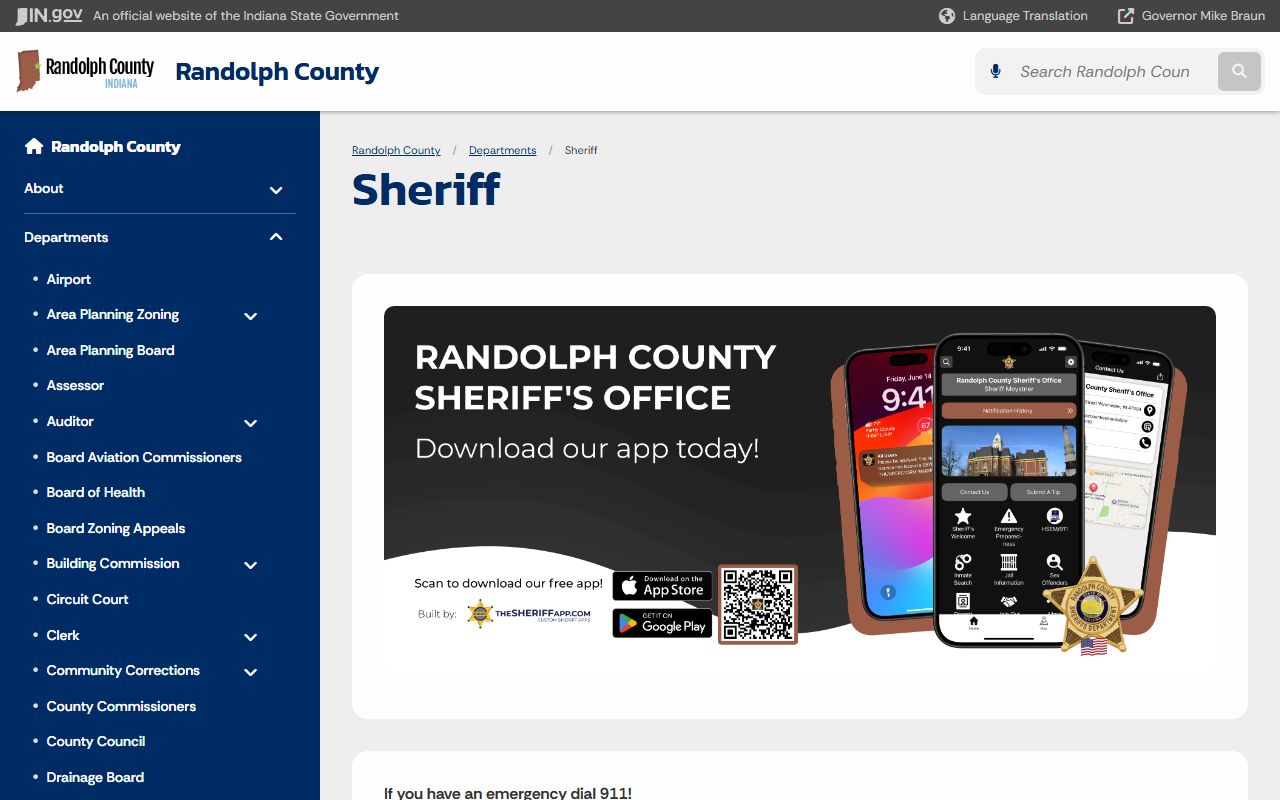
The sheriff office is a fallback channel for warrant and custody questions when no public active-warrant web list exists.
Randolph County Warrant Search Channels
Randolph County warrant records can surface in several systems, but each system has a narrow use. MyCase can show warrant-related docket entries, failure-to-appear events, bond, and hearing settings in a criminal, traffic, or ordinance case. The clerk or court can confirm bench warrant status and official docket copies. The sheriff or jail can answer custody questions. The sheriff app may show recent arrests or current inmates who were booked on warrants.
| Channel | Best Use | Limit |
|---|---|---|
| MyCase | Related case, docket event, hearing, bond, or recall entry | Not a full active-warrant list |
| Sheriff or jail | Custody and law-enforcement questions | May not give legal advice or full case history |
| Randolph County Sheriff app | Recent arrests and current inmate clues | App data is not the official court docket |
| Clerk or court | Bench warrant status, case copies, hearing reset, bond questions | May require case number or in-person records access |
| Attorney | Surrender, bond, recall, and hearing strategy | Private legal service, not a public database |
Union City City Court remains an Odyssey identifier, and older Winchester city-court or traffic issues may have transferred or become courthouse matters. Search MyCase first, then contact the Randolph County Clerk if the underlying ticket or case cannot be found.
Randolph County Warrant App Clues
The county says recent arrests and current jail inmates moved to the Randolph County Sheriff app. That matters for warrants because a recent-arrest entry may show a warrant-related charge after the warrant is served. The app does not replace court confirmation, but it can explain why a person is in custody and which agency made the arrest.
The Randolph County Public Safety app landing page links users to the app stores.
The app channel is especially important because Randolph County moved recent-arrest and current-inmate lookup away from the ordinary web page.
The Google Play listing for the Randolph County Sheriff IN app identifies the OCV app used for public-safety information.
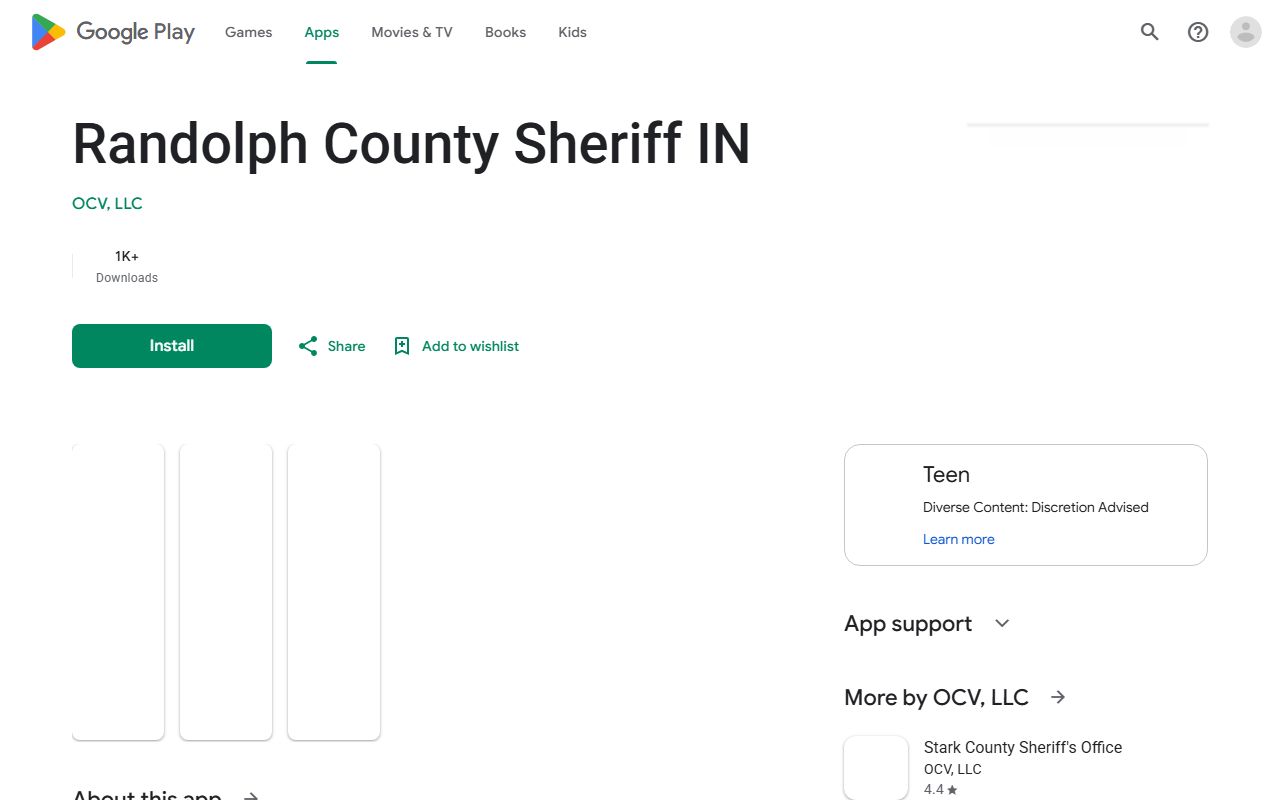
The app listing supports the app-only route documented by the county, but it should be paired with MyCase and official office contact.
Types of Randolph County Warrants
Warrants serve different purposes. Some are tied to a new criminal accusation. Others come from failure to appear, failure to pay, probation issues, contempt, or a search order. The type of warrant controls where a useful record may appear and what should be done next.
- Arrest warrant authorizes arrest after probable cause for a new criminal charge.
- Bench warrant is issued by a judge, often after failure to appear, failure to pay, probation issues, or contempt.
- Search warrant authorizes a search and may stay sealed while an investigation is active.
- Fugitive or out-of-county warrant comes from another jurisdiction and may create a hold.
- Civil enforcement warrant or body attachment may arise from contempt, child support, or failure to comply with court orders.
Bench warrants are often tied to court dockets. A missed traffic date, unpaid fine, or missed criminal hearing can leave a docket trail. Search by name, citation number, or case number and then confirm with the maintaining court.
Randolph County Warrant Search Fields
Because no official active-warrant web search was found, the practical search fields come from the related systems used to locate the case or custody record. MyCase supports case, party, attorney, citation, and cross-reference searching. INjail and the sheriff app support custody and recent-arrest workflows.
| Field Label | Type | Required | Options / Format Notes |
|---|---|---|---|
| Last Name | text | expected for party search | Use with first name or DOB to narrow MyCase or custody results |
| First Name | text | optional | Helpful for common names |
| Case Number | text | optional alternative | Best field when a warrant comes from a known court case |
| Citation Number | text | optional alternative | Useful for traffic or ordinance failure-to-appear issues |
| County | dropdown/filter | optional for custody search | Select Randolph in INjail or app-style custody workflows |
| Recent Arrest section | app feature | optional | May show warrant-related bookings after service |
What Randolph County Warrants Show
A public warrant-related record may be a docket entry, a booking entry, or a court order. It may not show all fields in one place. For example, bond may appear in a criminal docket, while booking agency may appear in a jail or recent-arrest entry. Read each source as a clue, then confirm the warrant status through the court or counsel.
| Field | What It Shows |
|---|---|
| Case number | The court file tied to the warrant or failure-to-appear issue. |
| Defendant name | The person named in the underlying case or booking record. |
| Charge or reason | Offense, contempt issue, or missed court obligation. |
| Issuing court | Randolph Circuit Court, Randolph Superior Court, or a city-court identifier. |
| Warrant or order date | Date the warrant-related order was entered if public. |
| Bond amount or type | Release amount or condition if available in the court record. |
| Recall or quash entry | Later docket entry showing the warrant was cleared or withdrawn. |
Note: Sealed warrants, juvenile warrants, and active investigative search warrants may not appear in public records.
Randolph County Warrant Bonds
Randolph local rules give useful bond context. Bond is based on the highest offense. Habitual offender or substance offender allegations, current release, probation, or parole can double listed bond. For Level 6 felonies and misdemeanors, the Sheriff may accept a 10 percent cash deposit under Indiana Code 35-33-8-3.2. Domestic-violence physical-force or deadly-weapon arrests require a 12-hour hold before bond.
Those rules do not mean every warrant has the same bond result. Bond can depend on the case type, judge's order, prior release status, public-safety concerns, and whether the person is booked on an out-of-county hold. A person trying to clear a warrant should ask the court or counsel whether a hearing, payment, surrender, or recall request is needed.
The sheriff sale page also documents app-based sheriff information, even though sales are not warrant records.
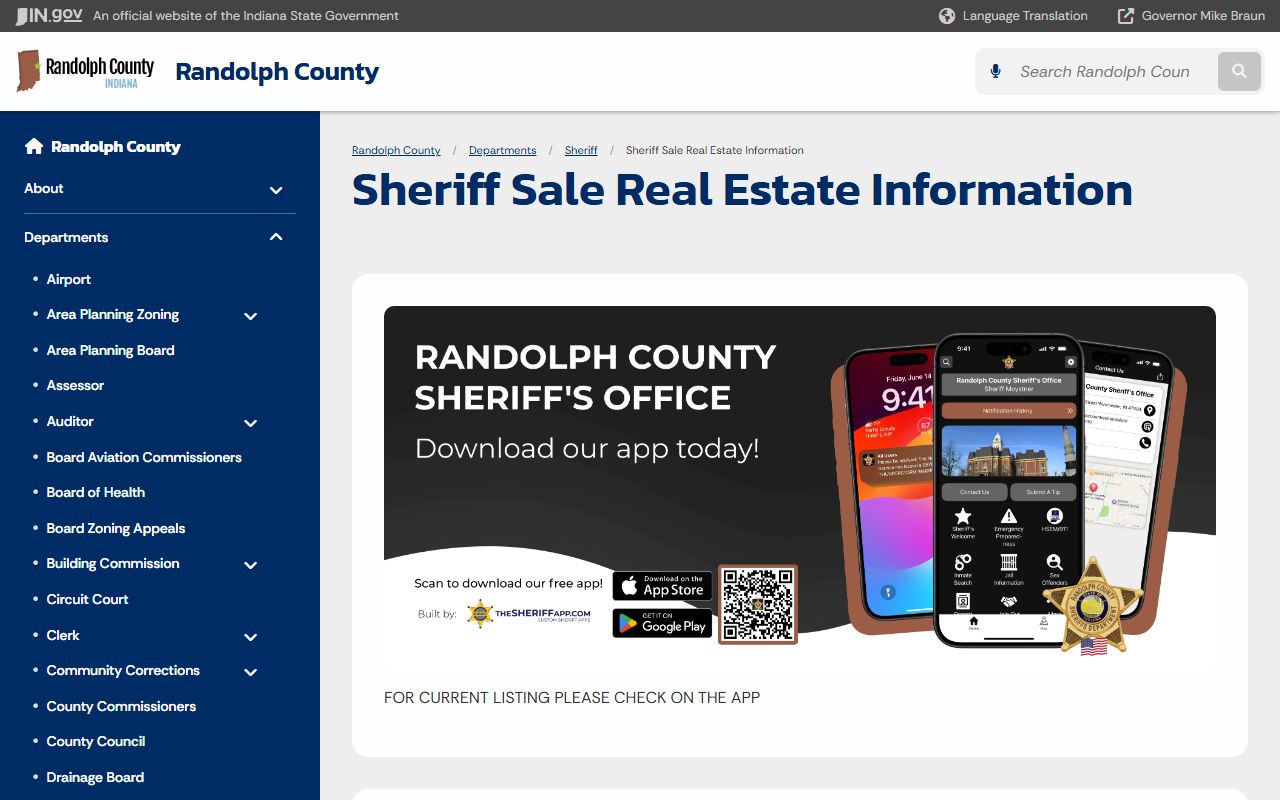
That app pattern reinforces the larger access point: some sheriff information in Randolph County is now app-centered.
Resolve a Randolph County Warrant
Clearing a warrant is a court and law-enforcement process, not a web-search task. Start by identifying the underlying court case. Then confirm whether the warrant is active, what bond or hold applies, and whether a hearing or surrender can be arranged. If the person has counsel, counsel can contact the court and prosecutor and avoid guesswork.
- Search MyCase by name, case number, or citation number and note the court, charge, and last docket entry.
- Call the Randolph County Clerk or maintaining court, or have an attorney confirm warrant status.
- Ask about bond, surrender instructions, missed hearing dates, and whether a recall or new hearing is possible.
- If booked into Randolph County Jail, check the sheriff app or INjail for custody status and MyCase for court status.
- After appearance, payment, recall, or dismissal, confirm that the docket shows the warrant cleared.
Restricted Randolph County Warrants
Not every warrant-related record is public. Search warrants are often sealed while an investigation is active. Juvenile records are restricted by Indiana juvenile law and court rules. Sealed and expunged criminal records are restricted under Indiana law. Protected identifiers, Social Security numbers, financial accounts, and protected-party information are redacted or excluded from public access.
The Indiana sex and violent offender registry was listed in the manifest as a warrant-page source, but the capture failed and no image filename was assigned. It is also a registry, not an active-warrant list. Use it only for offender-registration questions, not to decide whether someone has an outstanding Randolph County warrant.